How do I use Evaboot from ChatGPT?
Turn on developer mode, add Evaboot as a custom connector, then enable it in your chat. You sign in through your browser. No API key is needed.
Once enabled, ChatGPT can build a Sales Navigator search from your description, launch the export, and find or verify emails. It uses the same credits and daily quota as the Evaboot dashboard.
The same connector also works in ChatGPT Work, the agent mode in ChatGPT.
Server URL: https://mcp.evaboot.com/mcp
Before you start
Section titled “Before you start”- A ChatGPT Pro, Plus, Business, Enterprise or Education plan. Custom connectors need developer mode, which these plans include on the web.
- On Business or Enterprise, an admin may first need to allow developer mode. It is under Workspace Settings → Permissions & Roles → Connected Data.
- An Evaboot account. You sign in to it during setup.
- A connected Sales Navigator account for searches and exports. Email finding and email verification work without one.
- Turn on developer mode. In ChatGPT, go to Settings → Apps → Advanced settings and turn on Developer mode.
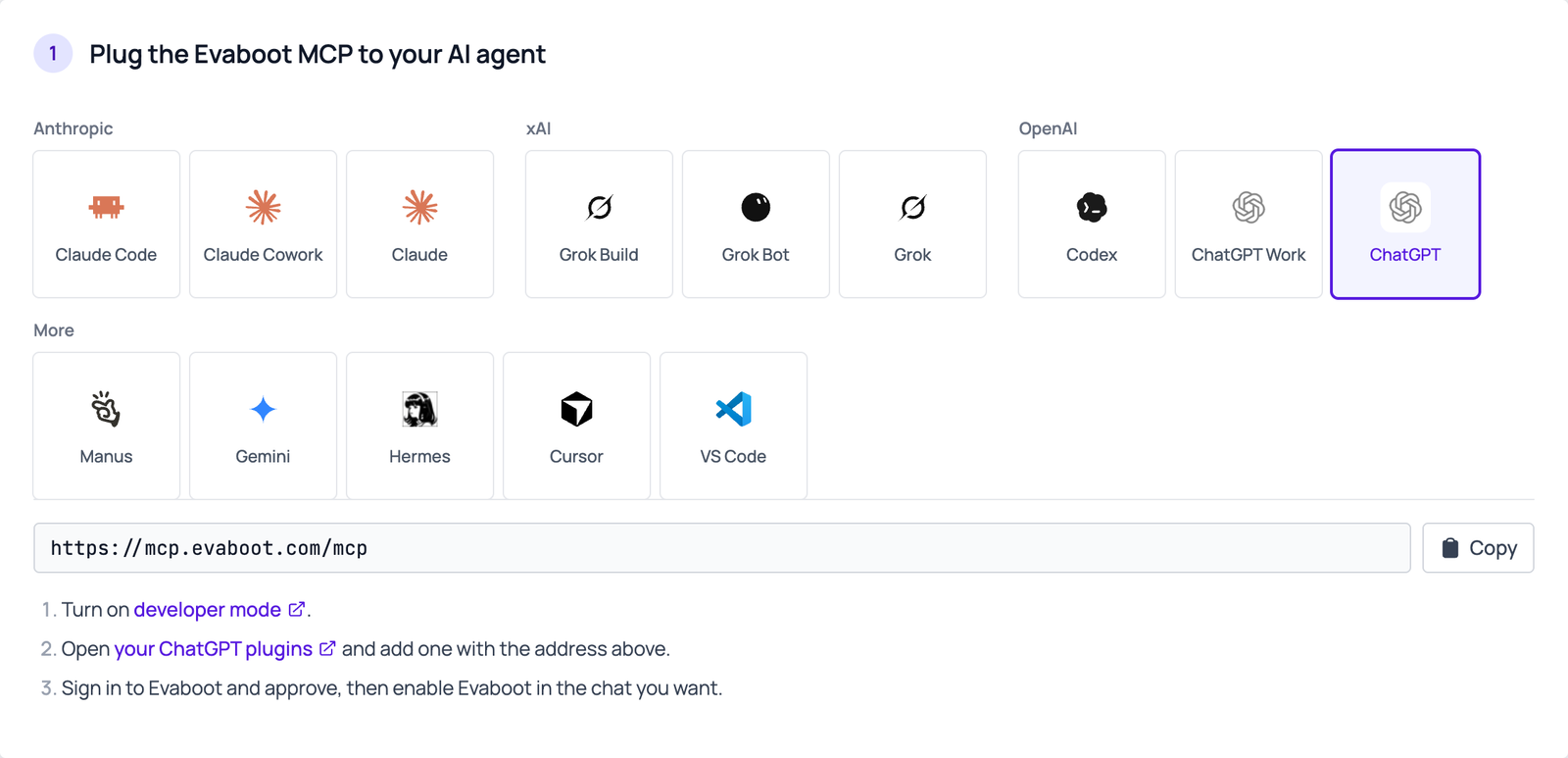
- Click Add custom connector in the Connectors panel.
- Paste the URL. Enter
https://mcp.evaboot.com/mcp. Leave authentication set to OAuth. - Sign in to Evaboot and approve. The connector appears under Drafts.
- Enable Evaboot in your chat. Open the Developer Mode tool picker in the composer and select Evaboot.
Then ask
Section titled “Then ask”For example: “Using Evaboot, find HR directors at French SaaS companies and export the first 50 with emails”.
If it didn’t work
Section titled “If it didn’t work”- You can’t find developer mode. Check your plan. On Business or Enterprise, ask an admin to allow it.
- ChatGPT answers without using Evaboot. Enable Evaboot in the tool picker of this chat.
- The connection fails, or ChatGPT reports a 401. Disconnect Evaboot and connect it again. This redoes the sign-in.
- No Evaboot tools appear, or they look out of date. Click Refresh on the connector’s settings page.
- A tool says “insufficient credits” (402). Check your balance in the Evaboot dashboard.
- A tool returns a 429 error. If the message starts with
No connected LinkedIn account, run one extraction from the Evaboot Chrome extension to reconnect your seat. Otherwise you reached the daily export limit of your Sales Navigator seat: wait for the daily reset. - Quota shows 0, or a tool returns 409. Evaboot lost your Sales Navigator connection. In Chrome, signed in to the same Evaboot account, open a Sales Navigator search and click Export with Evaboot. Opening the launch page is enough. Then retry. Full steps: How to reconnect your LinkedIn account.